About 8 minutes
How to set up IPTV on a Samsung or LG Smart TV
If your Samsung or LG television was made in 2018 or later you can run NoraStream directly on it. No Fire Stick and no extra box.
Samsung TVs use Tizen and LG TVs use webOS. The player apps for both live in the TV app store.
STB Emu on your Smart TV
Install STB Emu, then follow the screens below to add your portal.
- 1
Search the Google Play Store for STB Emu
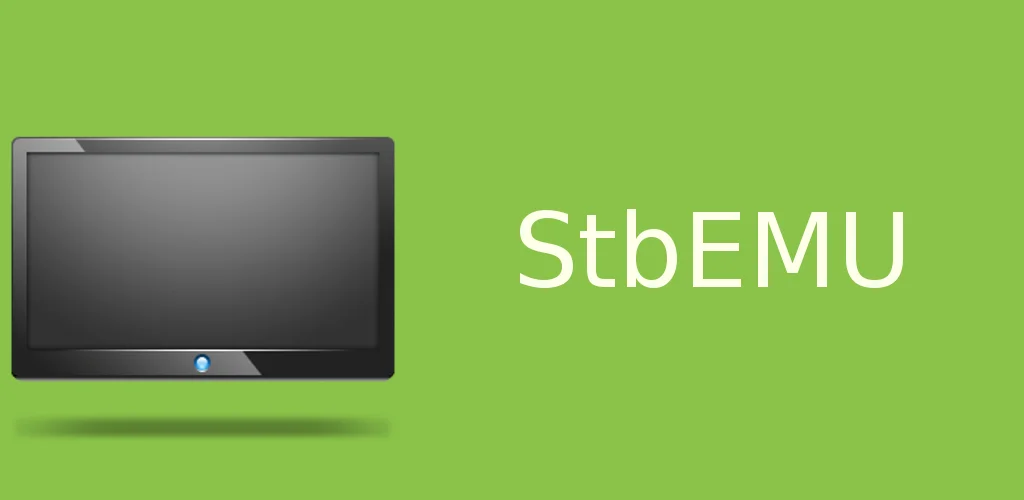
Open the Google Play Store, search for STB Emu and install it. Look for the green icon shown below. Open it once it finishes.
- 2
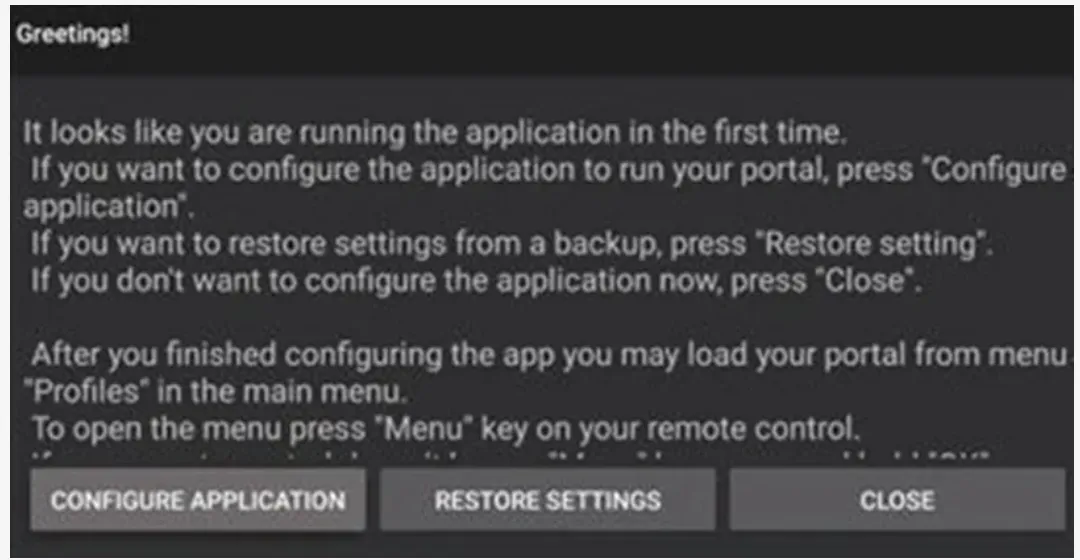
Open the first launch screen
The app opens with a greeting screen. Press Close because we will set the portal up from the menu.
Note: To open the menu at any time, press the Menu button on your remote. It is the button with 3 horizontal lines.
- 3
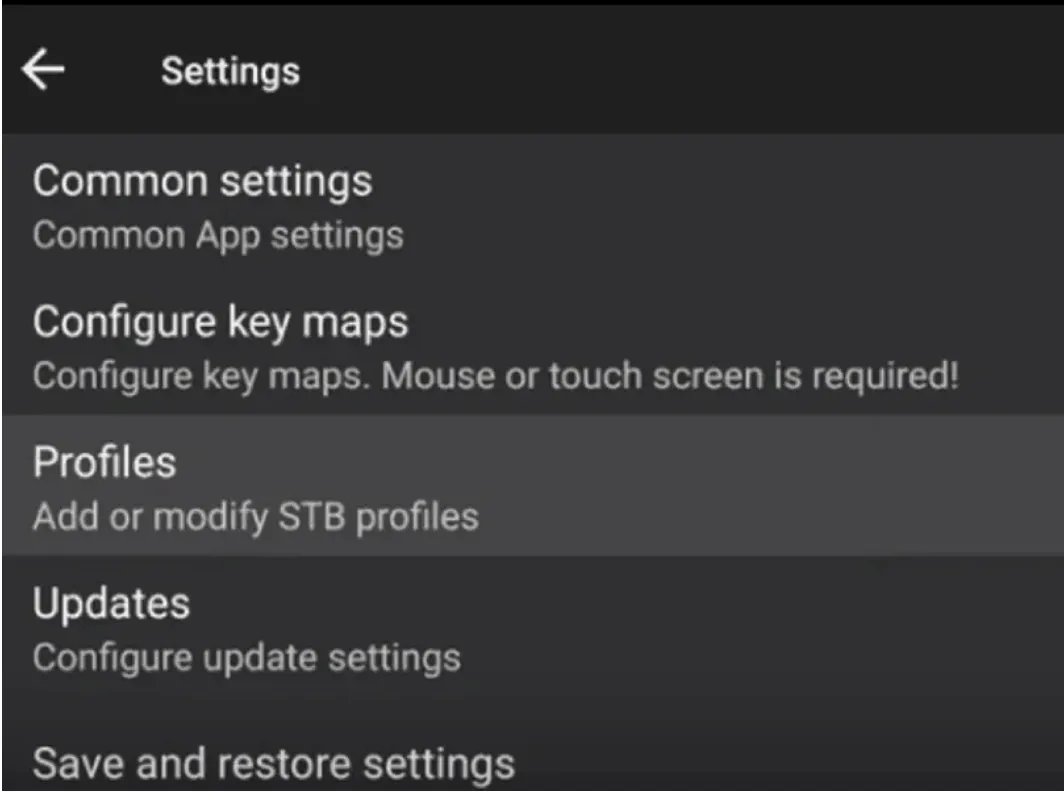
Open Settings and choose Profiles
Press the Menu button, open Settings and select Profiles. This is where your portal lives.
- 4
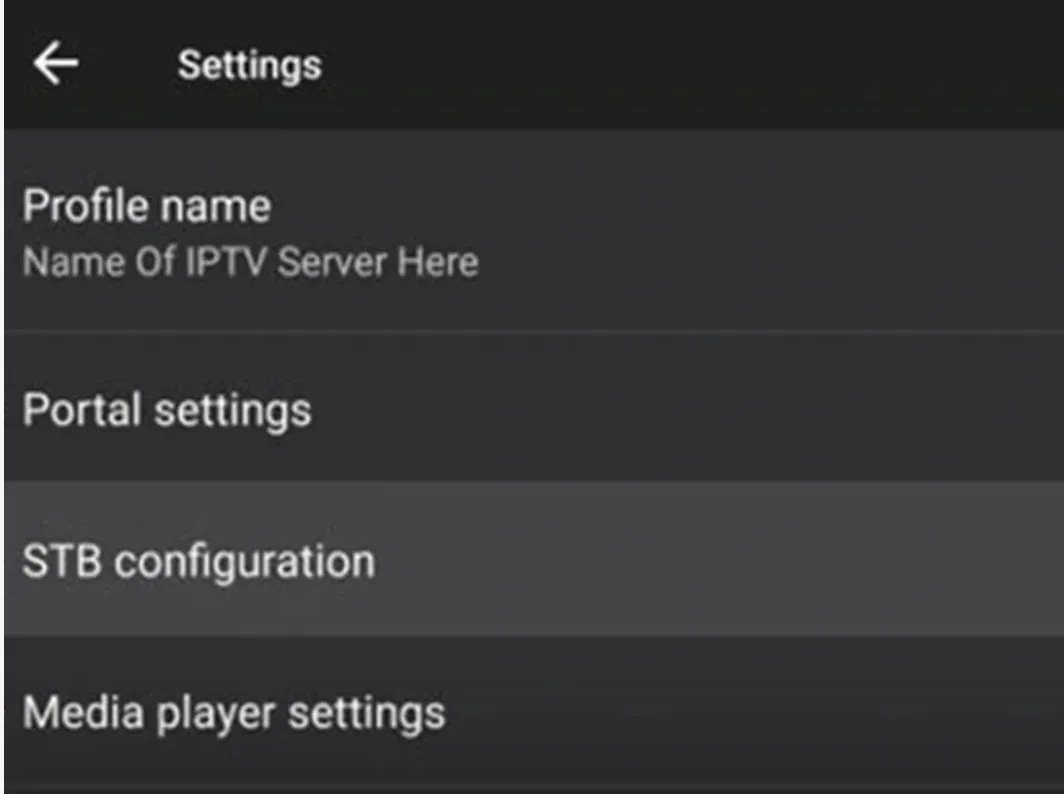
Open STB configuration
Inside your profile, select STB configuration.
- 5
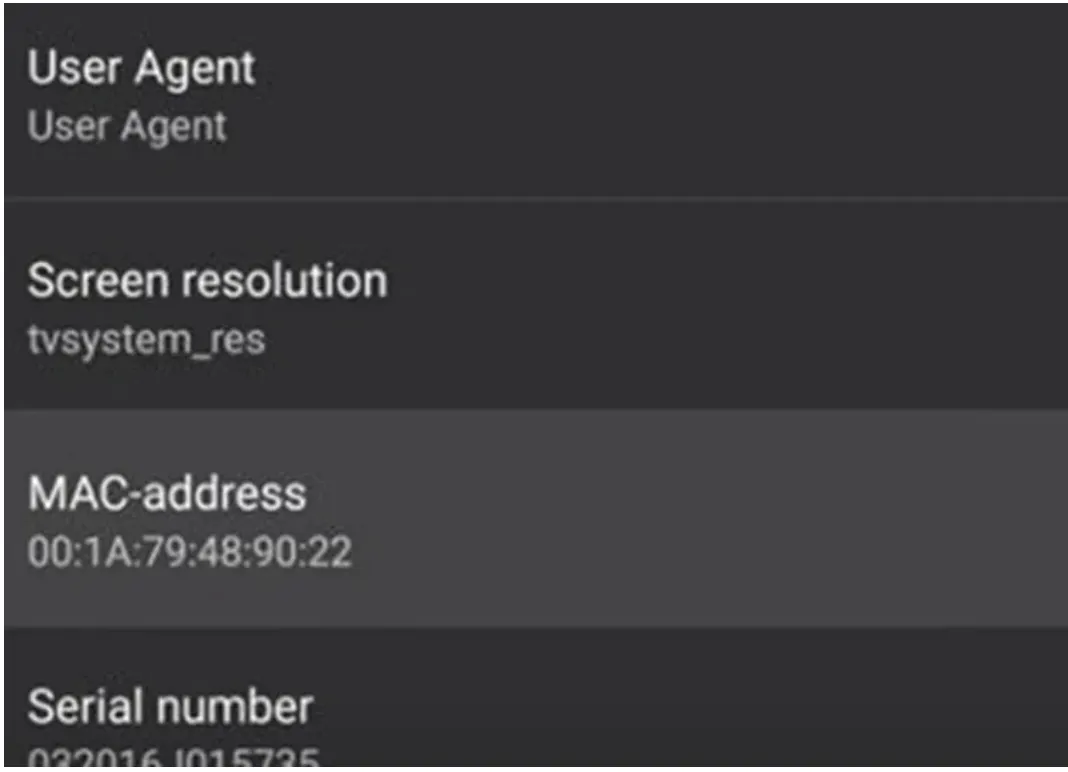
Send us your MAC address
Find the MAC address and send it to us on WhatsApp. It starts with 00:1A:79. We activate your line against that address.
- 6
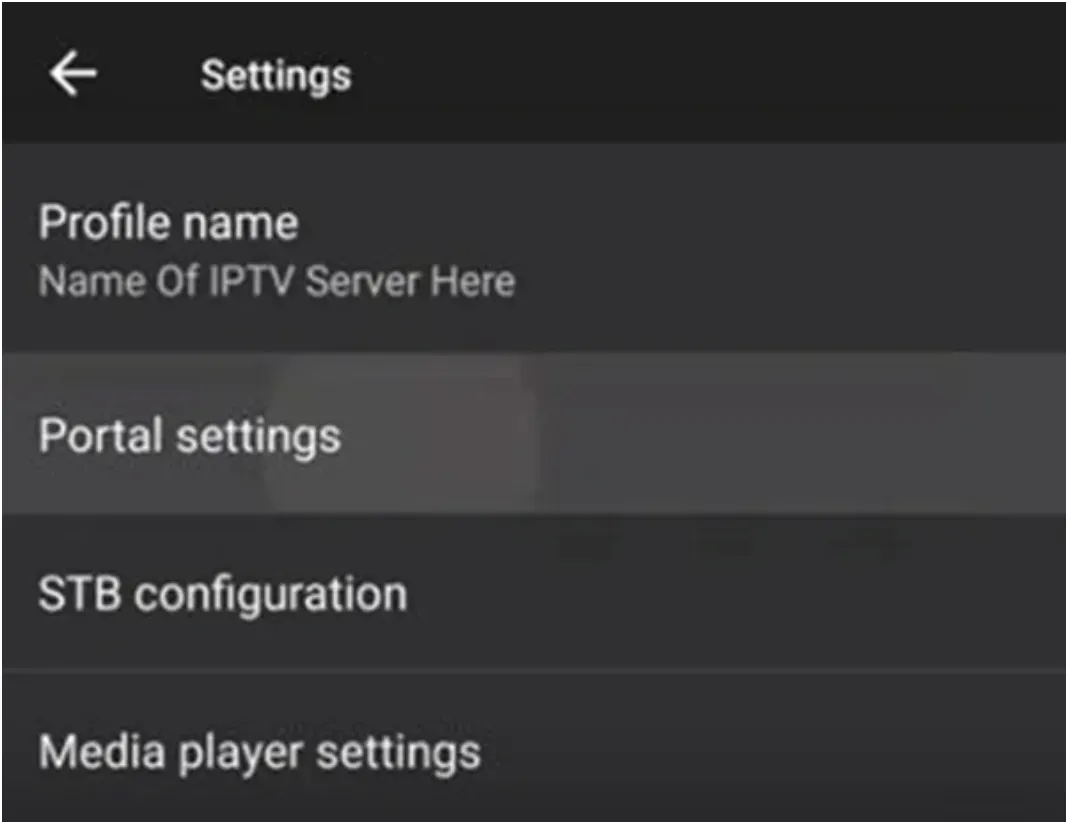
Go back and open Portal settings
Press back to return to the profile menu, then select Portal settings.
- 7
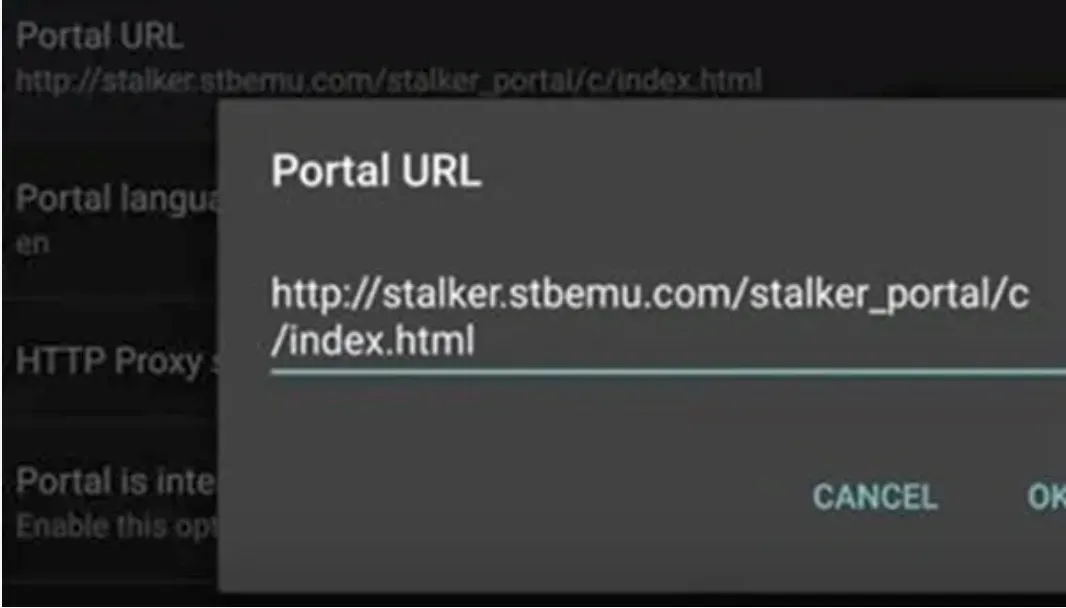
Enter the portal URL
Select Portal URL and type the address we sent you. Press OK to save it.
- 8
Load the portal
Press back until the portal reloads. Your channel list appears grouped by language and category.
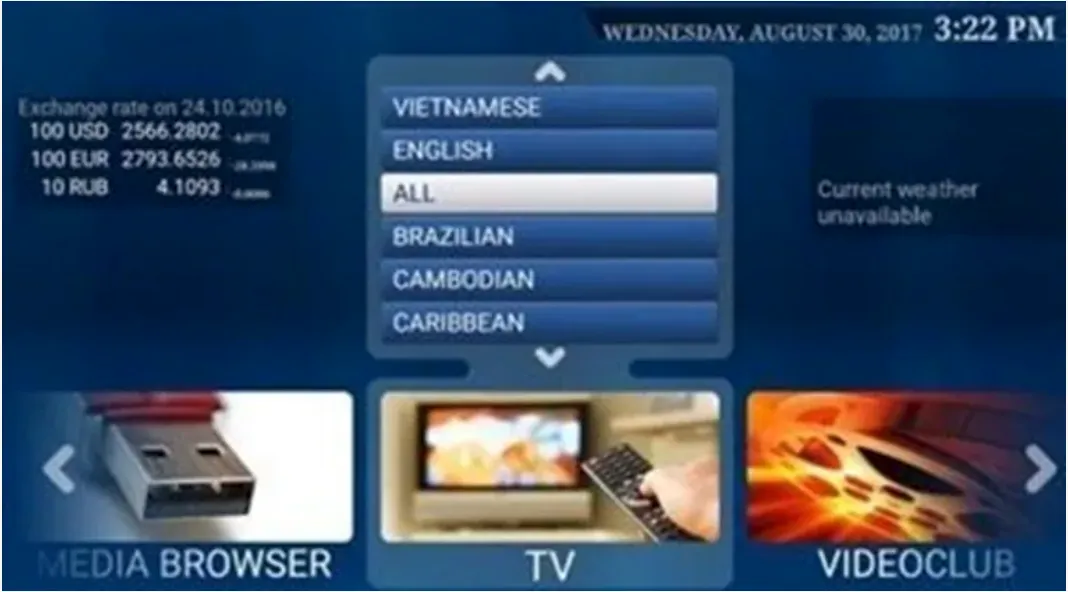
- 9
Fix the screen if it looks cut off
Press the Menu button and open RC to bring up the on screen remote. Use it to reach any button your real remote does not have.
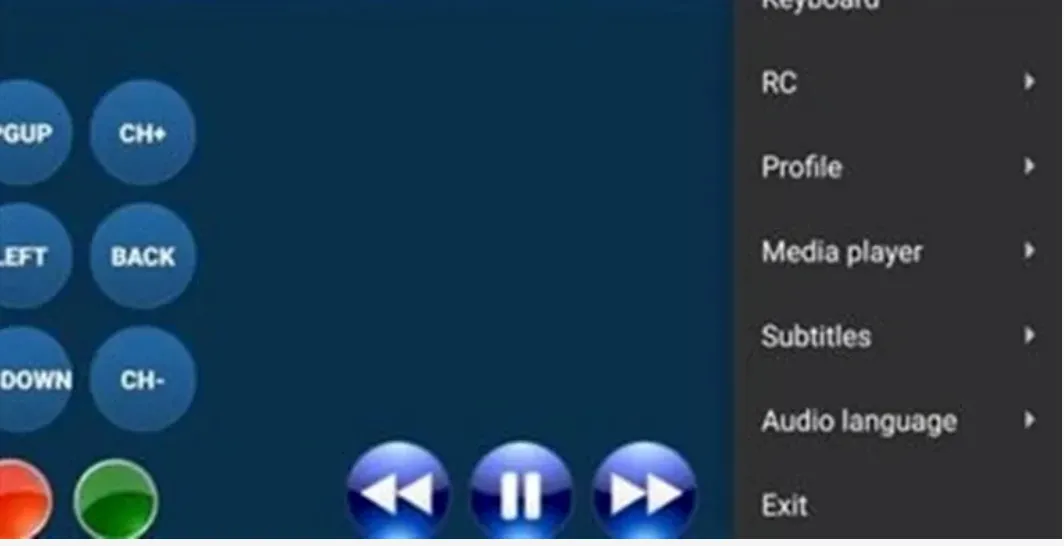
Stuck at any step?
Message us on WhatsApp while you are in front of the TV and we will get you through it. Most calls take 2 minutes.
WhatsApp 437 979 2576Problems and fixes
The app is not in my TV store
Your TV is probably older than 2018 or on an old firmware. Check for a software update first. If it is genuinely too old, a Fire Stick is the simple fix.
The channel list is empty after loading
That means the playlist has not been linked to your device ID yet. Send us the ID again on WhatsApp and we will check it.
The TV takes ages to open the app
Smart TV processors are slow. Turn off the TV at the wall once a week to clear the memory. A streaming stick is noticeably faster if it bothers you.
Picture quality looks soft
Check the TV picture mode is not set to Eco or Energy Saving. That single setting dulls everything and people blame the stream for it.
Guides for other devices
Not a customer yet?
2 days free with no card. Your login and this exact guide arrive by email within 5 minutes.